What is an .m4b file?
An .m4b file, also known as the "MPEG-4 Audiobook extension", is the standard format used for distributing audiobooks in the digital realm. These files support chapter markers, which is what makes them so great for audiobooks.
How do you create an .m4b file?
Creating good .m4b audiobook files is actually kind of hard. There isn't a lot of software out there for it, and the software that does exist is scattered across different operating systems. Some of them graphical interfaces; some of them don't. Sometimes you need to chain tools together.
SMB Audiobook Creator is a browser extension that works on Firefox, Google Chrome, and Safari. It makes the entire creation process super easy.
You can get it for your browser below:
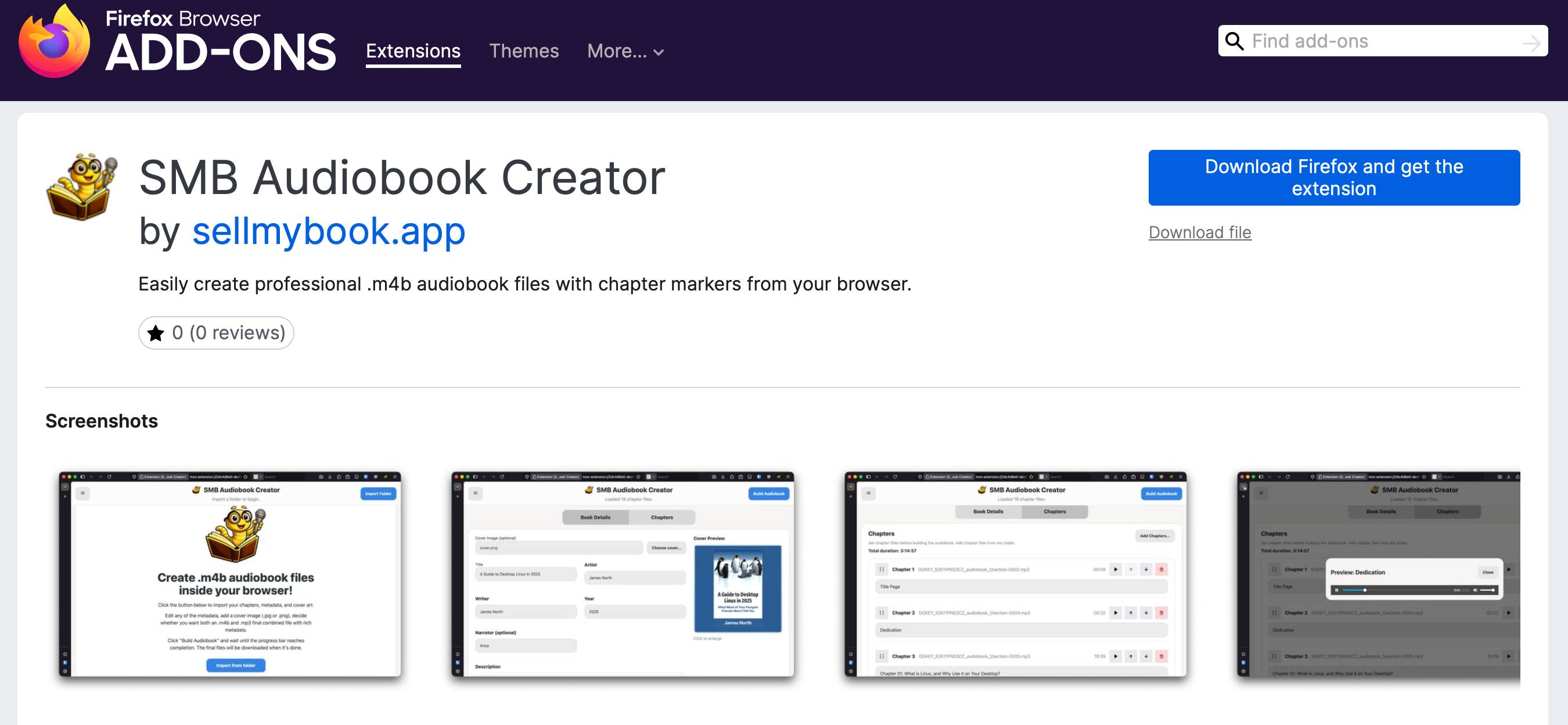
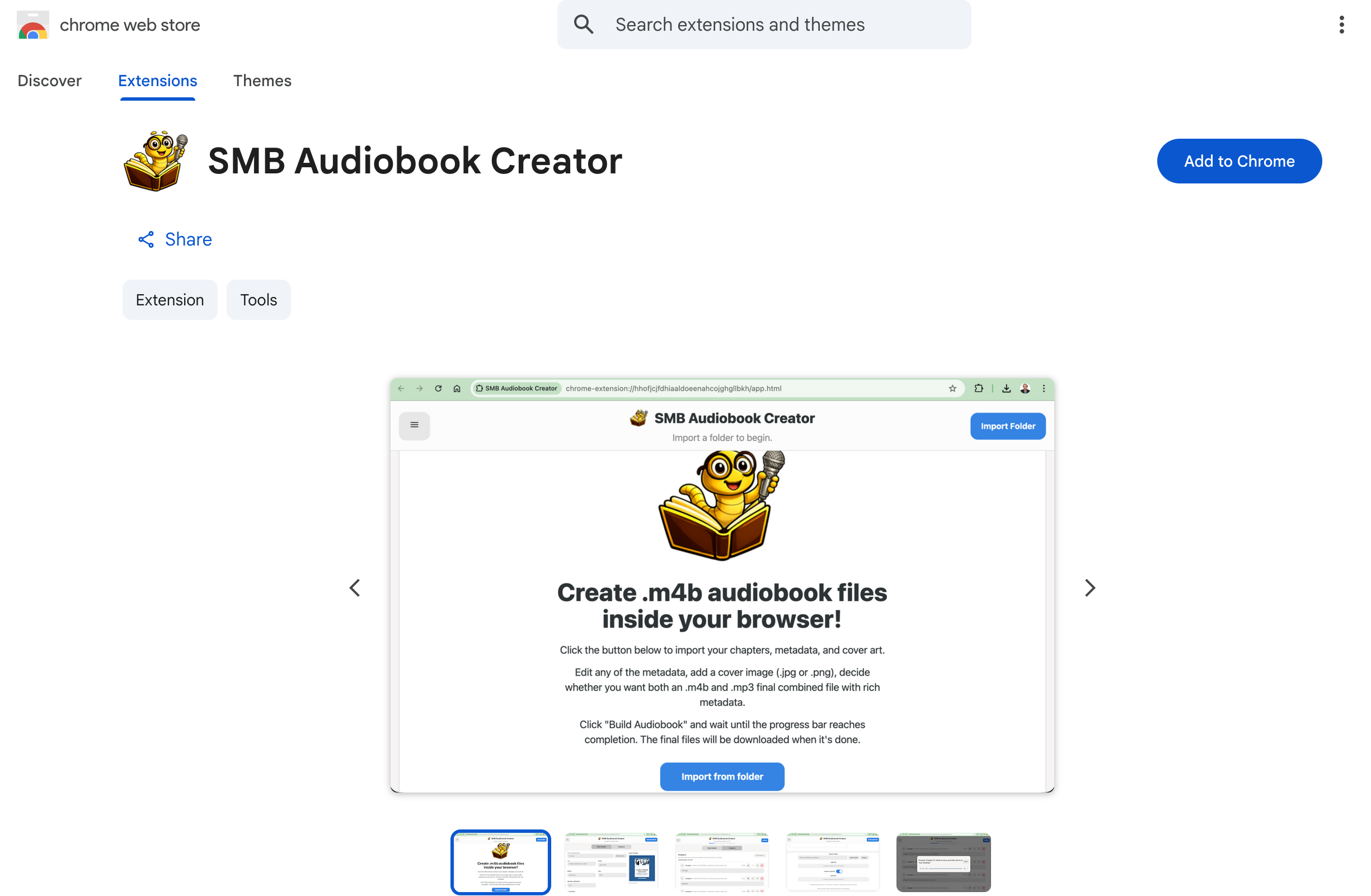
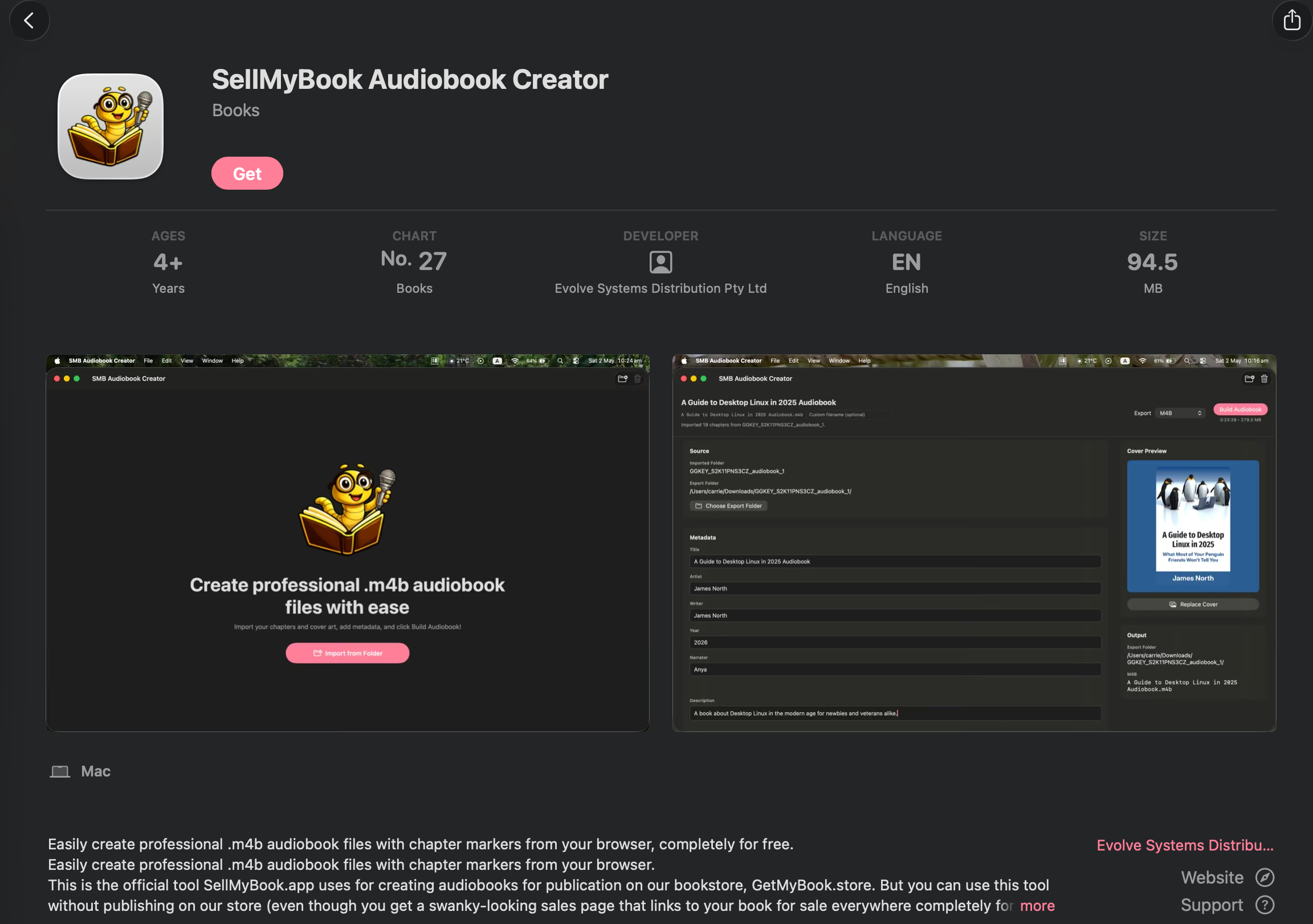
It doesn't matter whether you're using Windows, macOS, Linux, FreeBSD, or Haiku, so long as you have a modern browser like Firefox, Chrome, or Safari installed. You can create a professional .m4b audiobook file right in your browser.
Watch the video above for a quick tutorial on how to use SMB Audiobook Creator.
Written by
James North
Project Manager and Company Director at Evolvepreneur.
Part-time system administrator for Evolve Systems Group.
Part-time writer and author of A Guide to Desktop Linux in 2025.
Symfony developer.
You Might Also Like






Comments (0)
No comments yet. Be the first to comment!