Windows 10 is End-of-Life. What Now?
It’s October 14th, 2025, and Windows 10 is officially end-of-life. What are your options?
The easiest and most obvious option, of course, is to just keep using Windows 10. However, this is ill-advised. If you do this, you will no longer receive security updates. Windows is the most-used desktop operating system in the world and thus an attractive target for malicious actors. This is, however, the option that most people will choose, because it is the path of least resistance.
If you do this, though, I would highly recommend disconnecting the computer from the internet.
The next most obvious option is to move to Windows 11. If you’re reading this, there’s likely a good reason you haven’t chosen to do this. Perhaps you have a computer that does not meet Windows 11’s hardware requirements, or you just don’t like something about it. You’re far from alone.
You have other options. You could pay for an extra year of support from Microsoft so you’ll still get security updates, but this likely isn’t a particularly attractive offer for most people. Your best bet is moving to another operating system.
You could move to macOS by buying an Apple machine. You’ll be able to access most of the industry standard software you already could on Windows, but you’ll need to learn the interface, and if you play a lot of games, your selection will be far more limited. It’s also an expensive ecosystem to buy into.
You could buy a Chromebook…which will suffice for any of your web-based needs. Beyond that, it depends on the quality of the device. With a high-end Chromebook, you can do a lot more with it by leveraging Linux through projects like Crostini and Developer Mode. You can play games through Proton and use software built for Linux like Blender and DaVinci Resolve.
But if you’re going to leverage Linux to make the ChromeOS experience usable anyway…you might as well consider using a Linux distribution instead of ChromeOS.
The Way of the Penguin
You don’t need to buy a new computer to use Linux. You can download almost any Linux distribution from the internet for free1 and install it on a computer you already own. In fact, you could install it on a really old computer and expect it to run better.
While there are many distributions to choose from, one of the best distributions to start with is Linux Mint. It’s easy-to-use and designed for people who aren’t power users.
If you’re interested in going this way, my book, A Guide to Desktop Linux in 2025, is just the handbook you need to orient you on this journey.

Looking to dive into Desktop Linux?
A Guide to Desktop Linux in 2025, available for purchase as an eBook and in Print, is just the handbook you need to orient you on this journey.
Whether you're worried Windows no longer has your best interests at heart, or you're just plain curious, this guide will help you get up and running while avoiding all of the usual potholes and footguns along the way.
If you tried Linux a long time ago, you'll be glad to know all aspects of the desktop have only gotten better over time. You might not even recognise it!
It's not 1998 anymore. It's been over 30 years since Linux was first released, and the Linux Desktop has undergone seismic shifts in usability and capability over the years. This book is designed for the modern age and helps you take advantage of all the latest technology available for desktop Linux. Even if you've used Linux before, things have changed a lot in just the last few years.
That's not to say the Linux Desktop isn't as quirky as it has ever been, but the jankiness has been sanded off in many areas. There's plenty you can do on Linux, and yet it would be a lie to say there isn't a cost to that freedom most of your penguin friends aren't forthcoming about. This guide acknowledges the limitations of the Linux world and doesn't try to hide them from you.
In this book, you'll find chapters about:
- getting your new Linux distribution setup on your computer
- providing step-by-step guidance for installation, software compatibility,
- gaming, and productivity
- exploring the history of desktop Linux
- the bright yet uncertain future of Linux
Buy this book now and dip your toes into the weird and wonderful world of Desktop Linux. Just don’t blame me when your house starts filling up with penguin plushies and red hats.
-
Back in the day, you could get Ubuntu on a CD from Canonical. Some distributions, like ElementaryOS, may charge a fee, but these cases are rare. In the case of ElementaryOS, this fee is optional.↩︎
Written by
James North
Project Manager and Company Director at Evolvepreneur.
Part-time system administrator for Evolve Systems Group.
Part-time writer and author of A Guide to Desktop Linux in 2025.
Symfony developer.
You Might Also Like
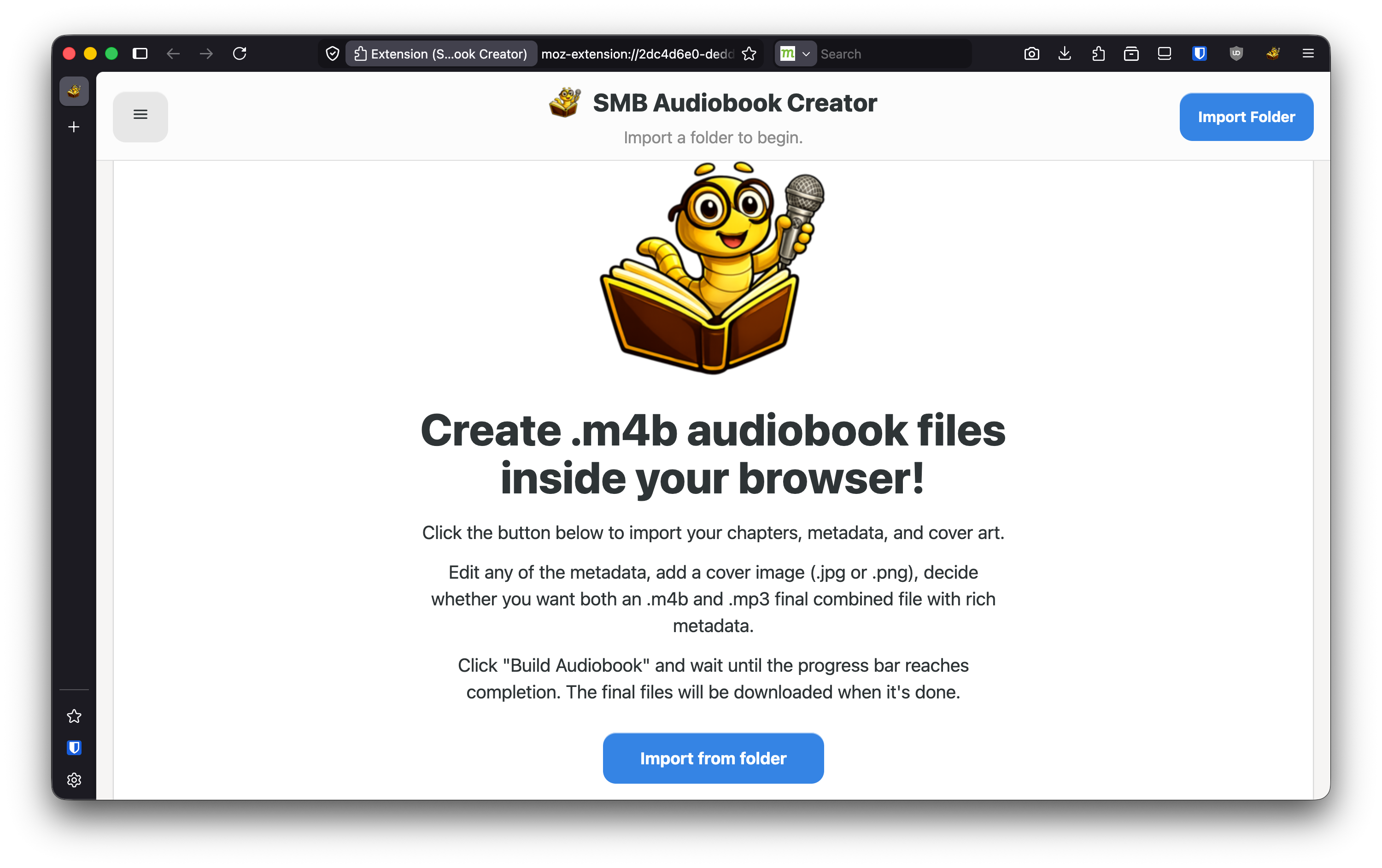
How to create professional audiobook .m4b files in under a minute using your WEB BROWSER!

James North
May 31, 2026





Comments (0)
No comments yet. Be the first to comment!