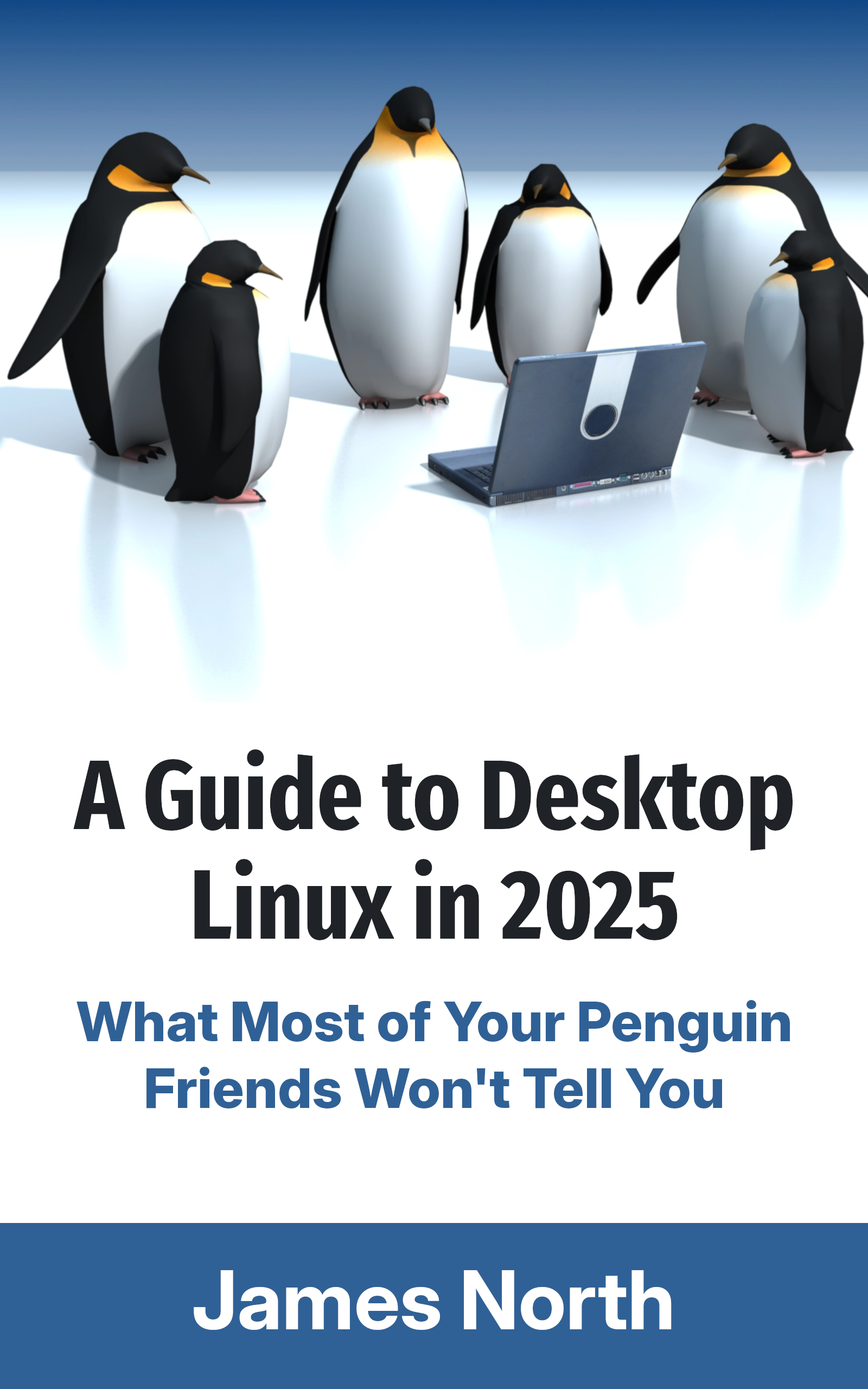
Looking to dive into Desktop Linux?
A Guide to Desktop Linux in 2025, available for purchase as an eBook and in Print, is just the handbook you need to orient you on this journey.
Whether you're worried Windows no longer has your best interests at heart, or you're just plain curious, this guide will help you get up and running while avoiding all of the usual potholes and footguns along the way.
If you tried Linux a long time ago, you'll be glad to know all aspects of the desktop have only gotten better over time. You might not even recognise it!
It's not 1998 anymore. It's been over 30 years since Linux was first released, and the Linux Desktop has undergone seismic shifts in usability and capability over the years. This book is designed for the modern age and helps you take advantage of all the latest technology available for desktop Linux. Even if you've used Linux before, things have changed a lot in just the last few years.
That's not to say the Linux Desktop isn't as quirky as it has ever been, but the jankiness has been sanded off in many areas. There's plenty you can do on Linux, and yet it would be a lie to say there isn't a cost to that freedom most of your penguin friends aren't forthcoming about. This guide acknowledges the limitations of the Linux world and doesn't try to hide them from you.
In this book, you'll find chapters about:
- getting your new Linux distribution setup on your computer
- providing step-by-step guidance for installation, software compatibility,
- gaming, and productivity
- exploring the history of desktop Linux
- the bright yet uncertain future of Linux
Buy this book now and dip your toes into the weird and wonderful world of Desktop Linux. Just don’t blame me when your house starts filling up with penguin plushies and red hats.
I got a second monitor recently and have really loved how it improved my productivity. I often need two windows open next to each other, but one monitor just isn't big enough to display both properly. I've been using Plasma on this computer for a few months now, and some things annoy me about it. Namely, needing to pin windows to every workspace on my second monitor, as I only want workspaces on my primary monitor. Alas, that's not an option right now.
So, I thought I'd try GNOME again. I really like GNOME and use it on all of my other computers. I switched to Plasma originally because of an issue with my graphics tablet, but I was able to solve that problem this time around.
However, I had a lot of trouble setting up a good multi-monitor workflow on GNOME, so I switched back to Plasma after a week. This article is about the reasons why.
Some of these features might be present in Plasma 5 too, but I can only speak for Plasma 6.
Reason 1: Plasma 6 scales XWayland applications without blurriness.
This issue is a two-parter. If you're using a single monitor and are fine with either 100% or 200% display scaling, your X11 applications will scale fine without blurriness.
However, if you have multiple monitors, you'll likely need fractional scaling. The nature of fractional scaling on Wayland means X11 applications will be blurry when scaled, even if the monitor you're using has 200% display scaling applied rather than a fractional increment, as enabling the fractional scaling option causes this behaviour.
KDE Plasma provides an option for Legacy applications (X11) in its Display settings:
- Apply scaling themselves (the compositor leaves it up to the application to scale itself, which will result in non-blurriness)
- Scaled by the system (results in the aforementioned blurriness)
This is a workaround, the exact details of which I am unsure.
GNOME chooses not to implement Plasma's workaround, as it is not guaranteed to work in all cases.
However, it works great for most of the X11 applications I use, like Audacity, Steam, Lightworks, and every game running through Wine. All of these programs have plans to support Wayland eventually, but they're not there yet
It doesn't work for Krita, but there are bigger fish to fry for that particular application on Wayland right now.
The real solution is to port all these applications to Wayland. It's going to take time for that to happen, and I doubt some of the X11 applications I use will ever be ported to Wayland. I still need to keep using them, though, and Plasma makes that easy.
GNOME 47 added experimental support for XWayland Native Scaling. I've tried it, and it's not as good as Plasma's scaling yet. But it's promising.
Reason 2: ALT+TAB only walks through the windows on the current monitor in Plasma 6.
This is kind of an odd one. When you set ALT+TAB to Switch Windows on GNOME and activate it, it walks through the windows on the current workspaces on every monitor. This makes it unusable. There are a few extensions out there that fix this, but I've found they introduce other weird behaviour and instability in GNOME. I don't like extensions much anyway.
Plasma only walks through the windows on the current monitor when you press ALT+TAB. This is what I expect.
Some Miscellaneous Reasons
These aren't directly related to my multi-monitor setup, but they do have to do with scaling and they annoyed me:
- DaVinci Resolve has no window decorations because Mutter doesn't support Server-Side Decorations.
- Magnifier is a mess of graphical glitches on GNOME, likely related to the NVIDIA driver. The KDE magnifier works fine.
Neither of these issues on their own was enough to make the experience notably worse, but combined, they defeat the productivity of a multi-monitor workflow. I'm glad I can keep that productivity on Plasma with no sacrifices, and hope one day I'll be able to switch back to GNOME and say the same.
Written by
James North
Project Manager and Company Director at Evolvepreneur.
Part-time system administrator for Evolve Systems Group.
Part-time writer and author of A Guide to Desktop Linux in 2025.
Symfony developer.
You Might Also Like

How to create professional audiobook .m4b files in under a minute using your WEB BROWSER!

James North
May 31, 2026




Comments (0)
No comments yet. Be the first to comment!